
You do not need the most expensive chair. Match the setup to your height and keep a short checklist by the screen until it feels natural.
Set up your desk so your neck, eyes, and focus may feel more comfortable
A tidy desk setup means less reaching, slumping, and glare. These checks take about three minutes each morning.
Getting your chair and legs right
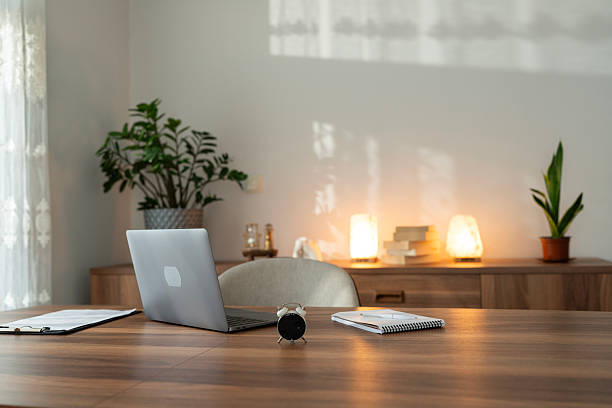
Start with hips slightly above knees when the chair allows it. Feet should rest flat on the floor or on a stable footrest. If the seat pan is too deep, use a small lumbar cushion to shorten the effective depth and support the lower back without sitting bolt upright.
Form the habit by doing a “sit test” before logging in: feet, hips, lumbar support, then shoulders. This affects how much you lean during typing and whether thigh pressure builds up by mid-afternoon.
- Adjust seat height so forearms are near horizontal when typing.
- Keep knees at roughly ninety degrees or slightly open.
- Check that armrests do not push shoulders upward.
Screen height, distance, and two monitors
Position the top of the main screen near eye level. For dual monitors, place the primary display directly ahead and angle the secondary screen to reduce neck rotation. Laptop-only users benefit from a stand plus external keyboard for sessions longer than thirty minutes.
Distance cue
Stretch your arm forward; fingertips should reach roughly to the screen. Move closer only if text remains unreadable after font scaling.
Glare control
Perpendicular window light is often easier on eyes than backlighting. A matte filter can help on glossy panels in bright rooms.
Stay safe while you change your setup
Change one thing at a time
Adjust chair height or screen height—not both drastically on the same day—so you can notice what helps.
Cable safety
Route cords away from foot areas when using footrests or standing mats.
Professional input
Seek qualified assessment for ongoing numbness, vision changes, or sharp pain.
Questions about desk kit
Is a standing desk enough on its own?
It helps to alternate positions, but you still need breaks, eye rest, and arm support. Standing all day can be tiring without supportive footwear.
What if I use only a laptop?
Raising the display and using an external keyboard is a change that many people find helpful for neck comfort during long writing tasks.
Please read this
This website provides general lifestyle information only and does not constitute professional or medical advice.
We are not a medical practice, clinic, or regulated health provider. Comfort and focus vary between people; nothing on this site is a promise of specific results. See About us for who operates this website, how we publish content, and how workshops are priced and booked.